
I continue my quest to become more proficient in computers, ” (IT) I guess I should call it”. And as I look more into the privacy issue and taking back control of my hardware slowly I began making changes that I wanted, and using APPS that I wanted. IN my previous blog I had written about my browser change to TOR and how it was one of the first steps I took into regaining some of my privacy back. (PS. I am still not entirely sure of how TOR works and if it really does protect more of my privacy; but to say that versus my standard web browser of MS, or Google I am happy with the performance. It uploads pages quickly and the way that it seems to immediately erase my history and block videos or popups works for me. ) So I changed my default browser to TOR. Note: It does require me to turn off my anti virus in the privacy and protection settings. At least at first when I start up the browser.
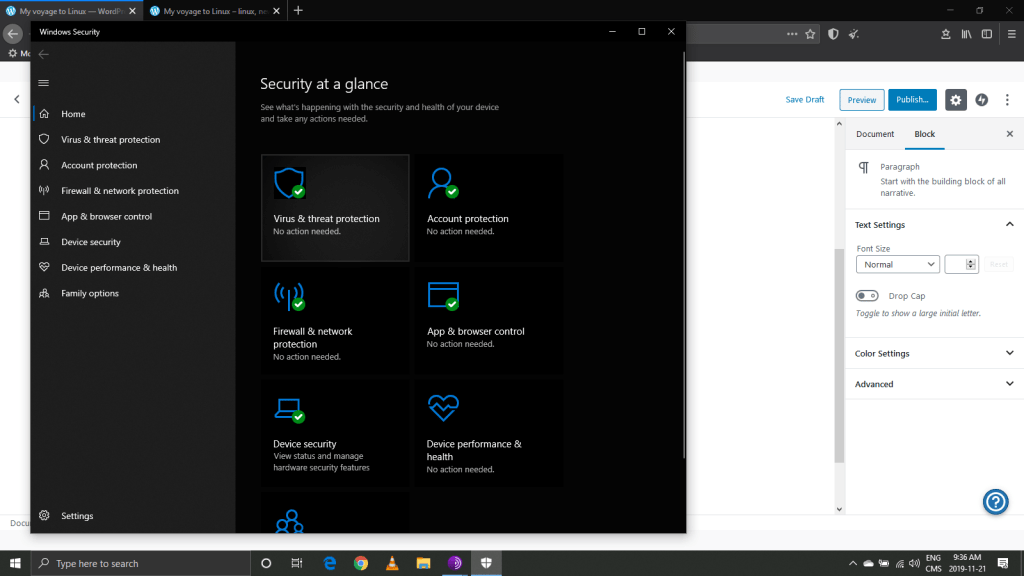

(So far so good)
Here it is. Works like most any browser. The performance is there and I do feel that I have some of my privacy concerns relieved. (Again I am by no means a computer person a real newbie, noobie, noob; whatever!) But this is the first step I took into gaining more skills and learning a little bit more about IT, and not always going with the default browser, OS , email etc.

As the slogan says: Take back the internet with TOR! I am taking back at least my chunk of the internet and trying to learn more about my hardware and how to control it better.
We are in the information age and at the dawn of it. As the world and IT progresses faster I fear the majority of us will have sold the farm without knowing it.

 My Voyage to Linux